








Replacing Excel Spreadsheets with Software

How to Replace Your Excel Spreadsheets with Custom Software

We regularly build new software that replaces Excel. To do so we use modern web technologies that are cost-effective to develop and can be used on every device.

We are happy to advise you on the improvements a custom web application can bring to your company.

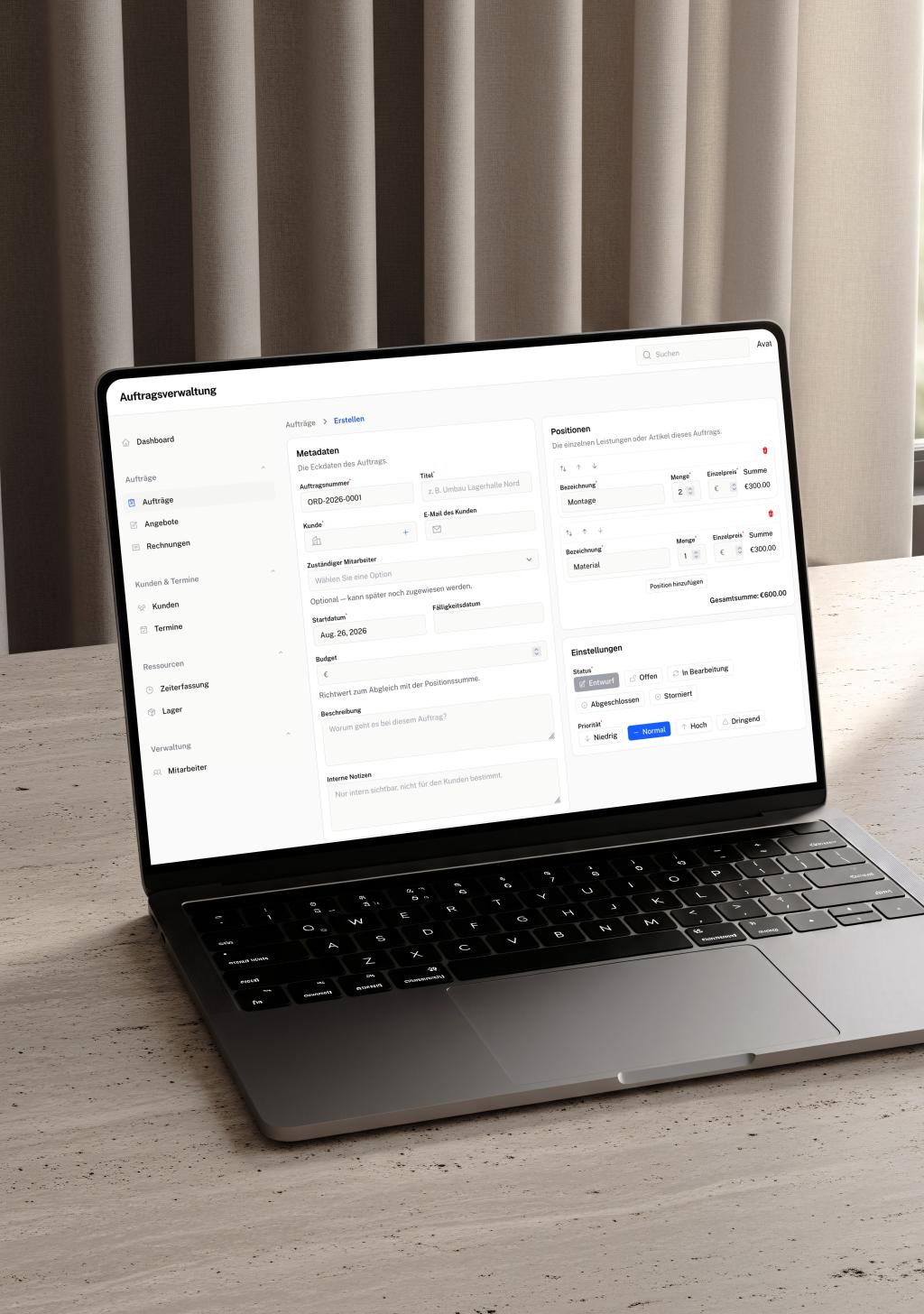
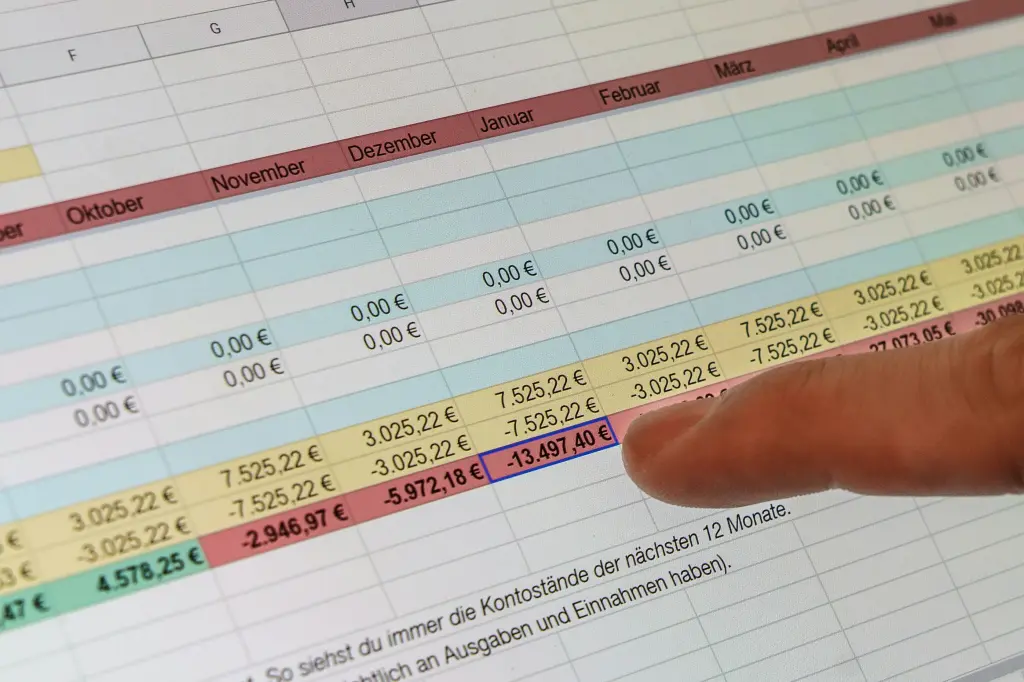
modern software webapp on a macbook infront of a old CRT screen showing Excel

Laravel Partner

Statamic Partner

SchleeGleixner Logo
IAKS Deutschland logo
Universität Witten/Herdecke logo
KAT logo
Halbstark Logo
Pflegehelden Franchise GmbH Logo
SafetyWorx logo
MK SiGeKo logo
PIA Health App round logo

Replace Excel or Not?

Excel is flexible, almost everyone knows it, and it costs nothing extra. Yet it is exactly this flexibility that becomes a problem when companies grow and processes turn more complex.

What started out as a simple spreadsheet becomes an impenetrable construct of formulas, macros and dependencies. Files like these are a classic obstacle on the way to software modernisation.

Moving to custom software that maps your processes exactly is a step towards genuine digitalisation.

Individuelle Auftragsverwaltung.
A custom order management system.

Typical Excel Problems in Everyday Work

One colleague is working with an outdated version of the file. The boss has accidentally overwritten a formula. And when three people want to enter data at the same time, things get genuinely complicated. These problems are typical symptoms of an outdated IT infrastructure. They show that it is time for the next step in digitalisation.

The most common problems:

  • Version chaos: File names such as "Budget_final_v3_new_FINAL.xlsx" leave it unclear which version is the current one.

  • No real-time collaboration: Whoever has the file open blocks everybody else.

  • Susceptibility to errors: A single wrong click or a deleted formula distorts the figures unnoticed.

  • No access while on the road: The file sits on the server, but you are at the customer site.

  • Missing integration: Data has to be transferred manually between different systems. That costs time and produces errors.

Migration Paths from Excel to Custom Software

The path from Excel to a professional online system is simpler than you might expect. Several approaches are available, depending on your starting point and your budget:

01

Data migration from existing Excel files

Your existing data is not lost. We can import Excel files and transfer the data structure into a modern database. In the process the data is cleaned up and formatted consistently.

02

Role-based access rights

In a custom web application you define who is allowed to see and edit what. Sales sees only customer data, accounting only invoices, management everything. This protects sensitive information and prevents accidental changes.

03

Step-by-step migration

You do not have to switch everything over at once. Many of our clients start with one business-critical spreadsheet and extend the system gradually. Everyone involved can get used to the new way of working without putting day-to-day operations at risk.

04

Cloud or your own server

You decide where your data is stored. Whether with a German hosting provider or on your own servers in-house, we set the solution up according to your requirements and compliance rules.

What Does It Cost to Replace Excel with Software?

Replacing a single Excel spreadsheet starts at around EUR 8,000. More complex systems with automations and interfaces start at EUR 10,000.

The cost depends on the complexity of your Excel solution, the number of users and the integrations you need. Thanks to the working time you save and the errors you avoid, the investment often pays for itself within the first year.

The range reaches from replacing a single spreadsheet (customer list, project overview) through more complex workflows with automations and system connections, all the way to complete CRM systems with dozens of modules.

What you should keep in mind:

  • The software belongs to you.

  • You save time in the long run through less manual work and fewer errors

  • The solution grows with your company. Extensions are possible at any time.

  • A first prototype is often ready to test after two to four weeks.

In a free initial consultation we take a look at your Excel solution and give you a first assessment of the effort and the cost involved.

A no-obligation conversation about your new software to replace Excel

  • No-obligation consultation
  • A custom solution, tailored to your needs
  • Confidential handling of your data, covered by a non-disclosure agreement
Your contact person
Chris Wolf, CEO Laramate GmbH
Chris Wolf
Managing Director, Senior PHP Developer