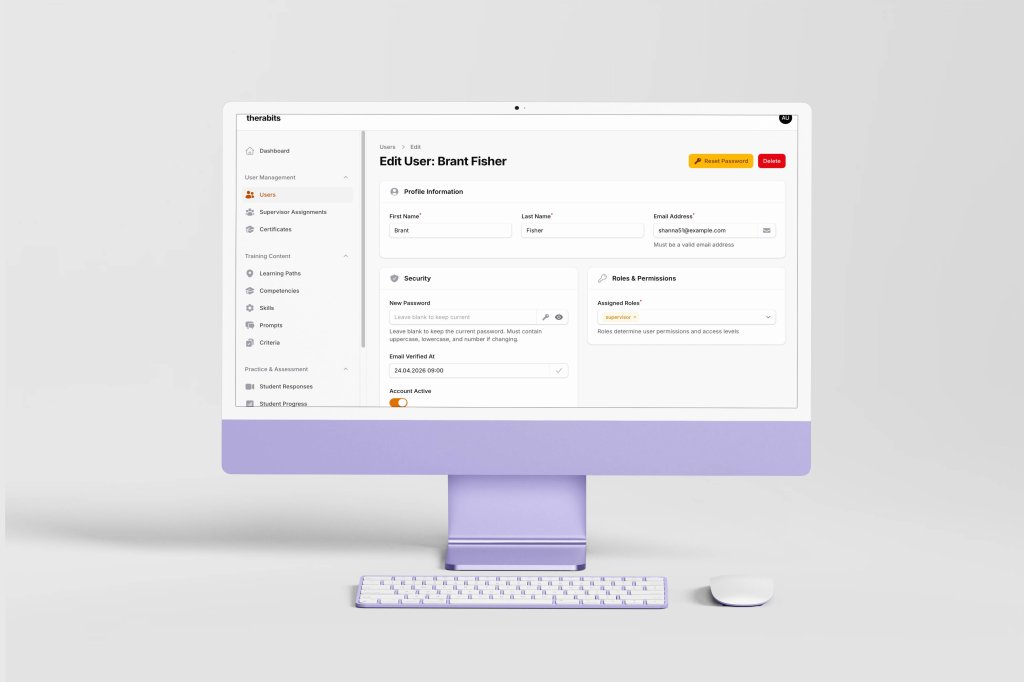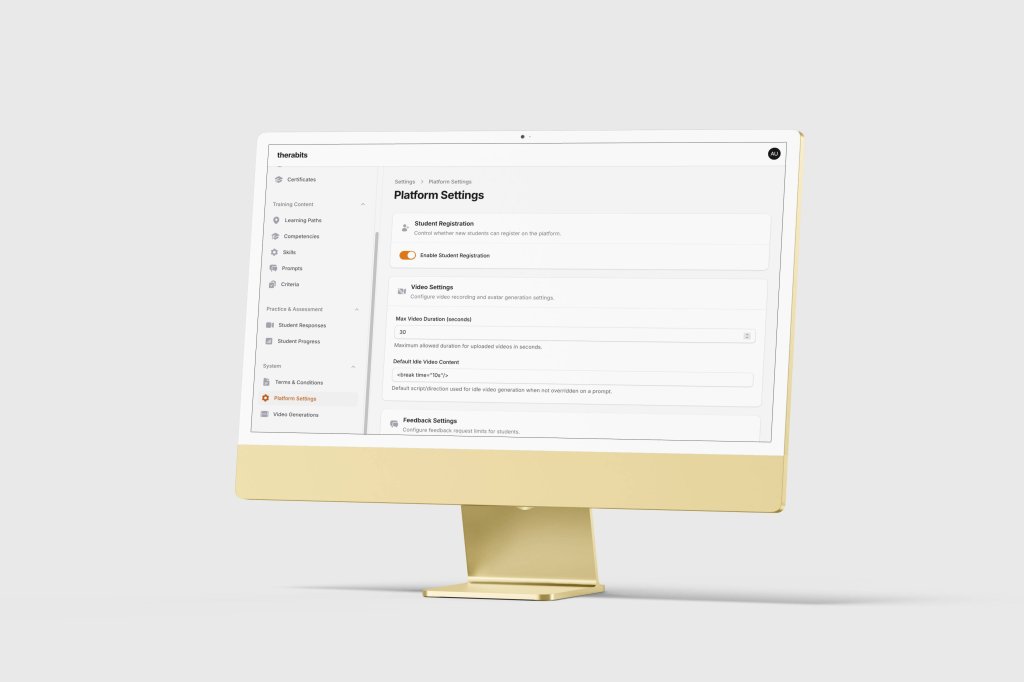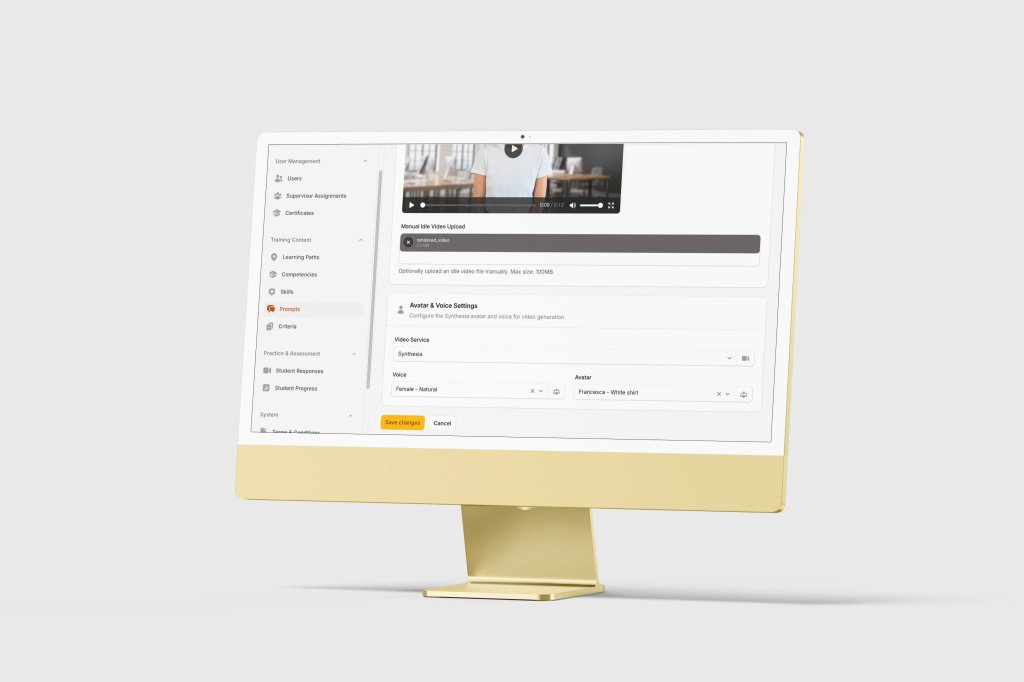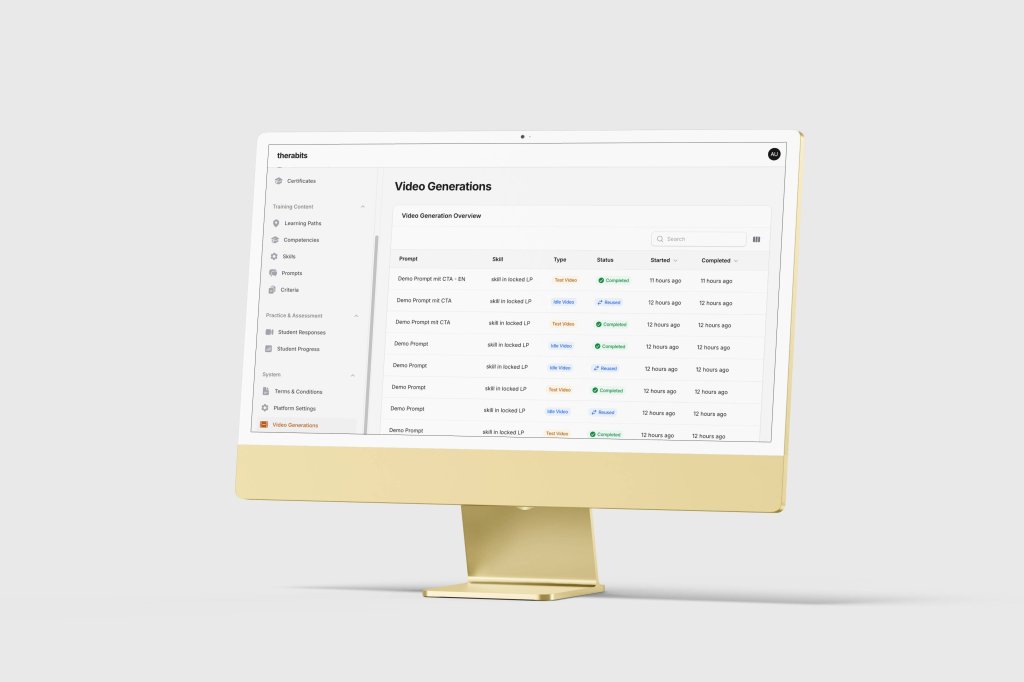


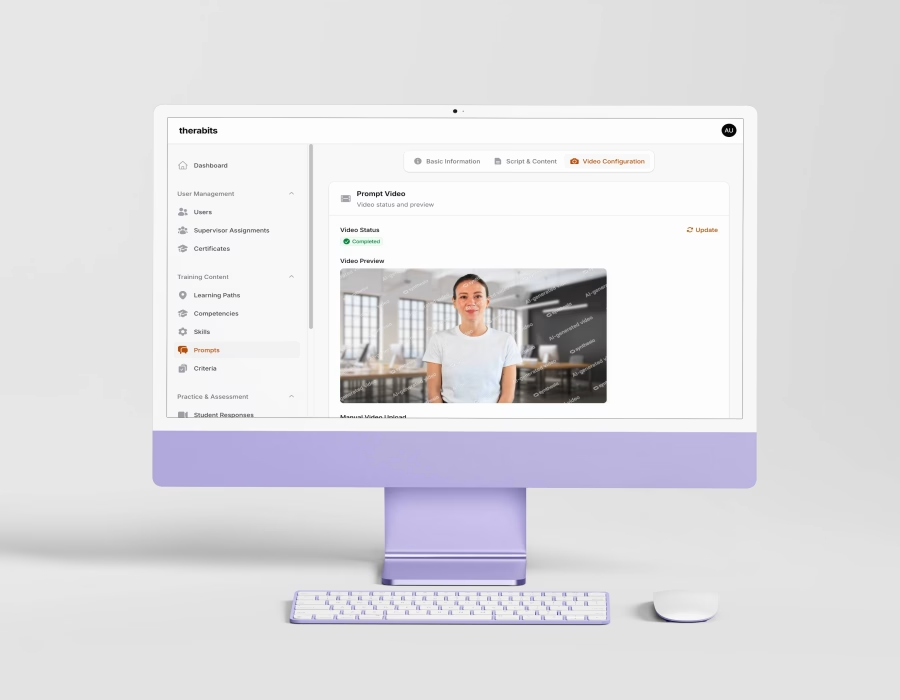
In traditional psychology education, students acquire hands-on clinical experience by sitting in on supervised therapy sessions with actual patients. Through this model, students learn by observing and eventually participating in live therapy sessions under supervision. However, the model cannot scale to meet the volume of practice required to develop genuine clinical competence. Its limitations are observed at several levels:
the number of sessions a student can take is constrained by scheduling and supervision availability;
patient consent imposes legitimate limits on student involvement and;
the risk of harm from an inexperienced practitioner, even under supervision, is non-trivial.
More critically, it offers minimal opportunity for students to practise responding to a patient themselves, as doing so prematurely, before a student has developed sufficient clinical judgement, poses a genuine risk of psychological harm to the patient. Even poorly chosen words from an inexperienced student can cause damage in a therapeutic context.
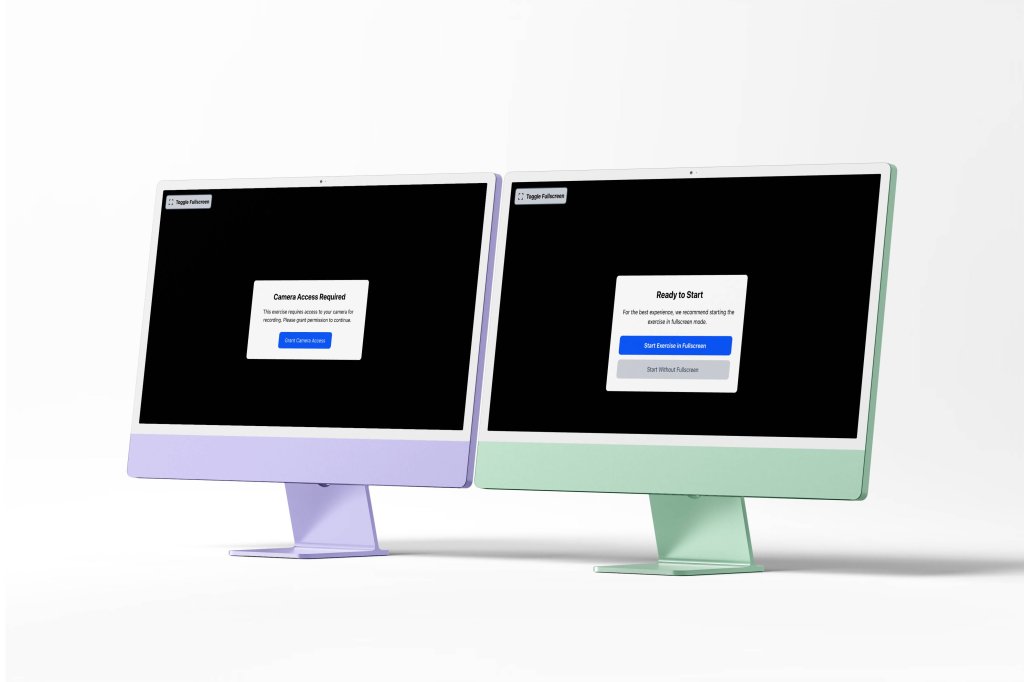
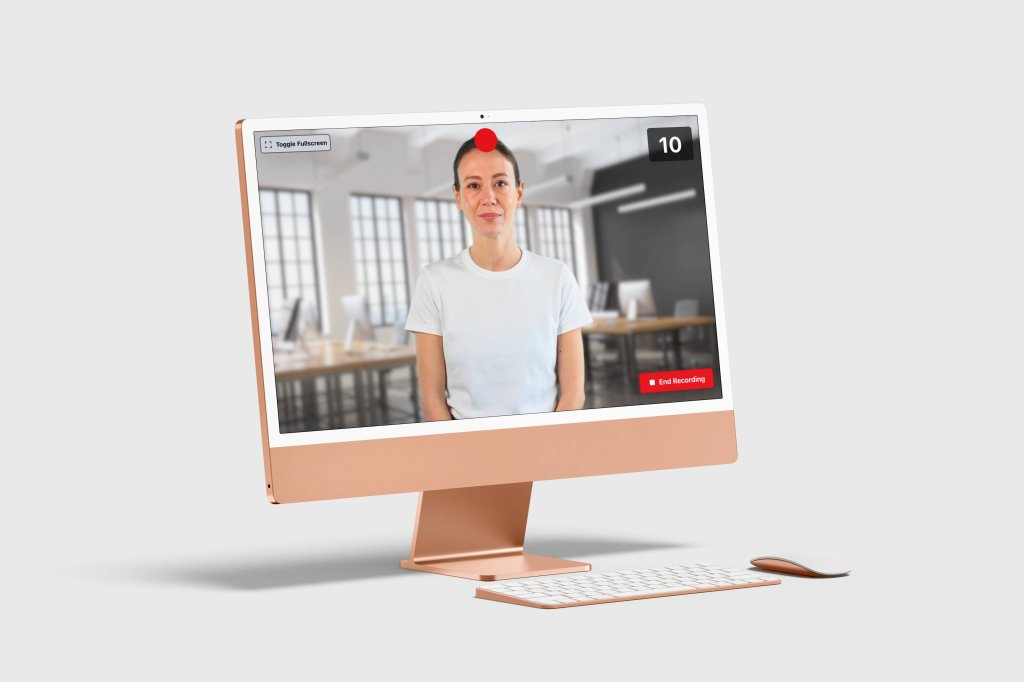
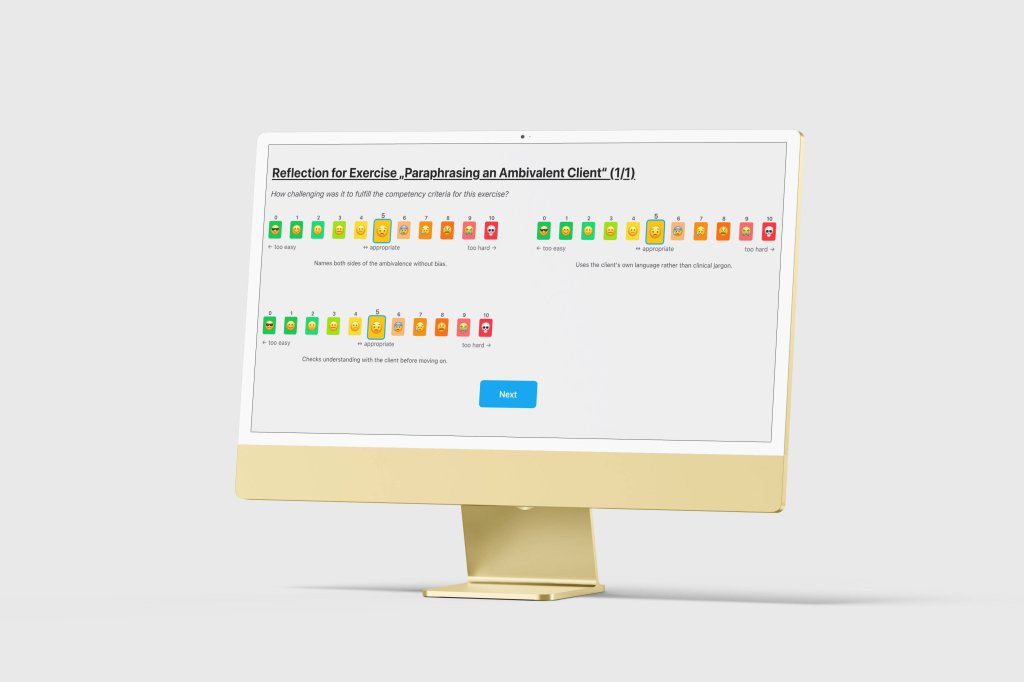
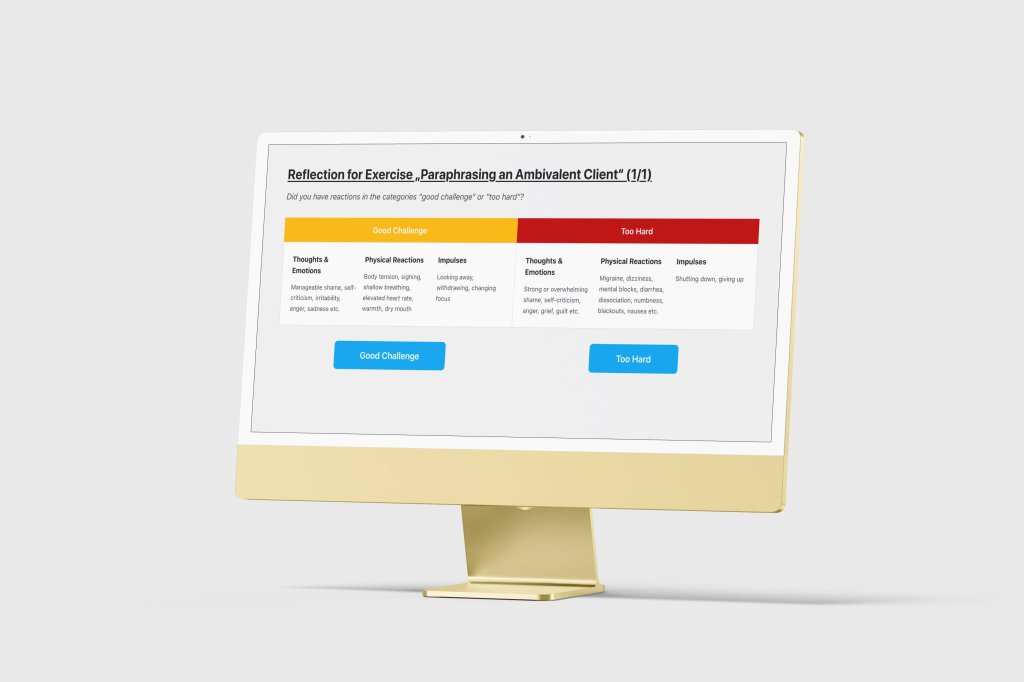
The university sought to resolve this constraint by significantly increasing the volume and variety of practice scenarios available to students, by removing any risk to real patients. Therabits addresses this by replacing the live patient with an AI-generated avatar that presents realistic mental health scenarios in pre-rendered video form. Students engage with the simulation as they would in a real session, record their responses, and receive structured feedback from their supervisor.
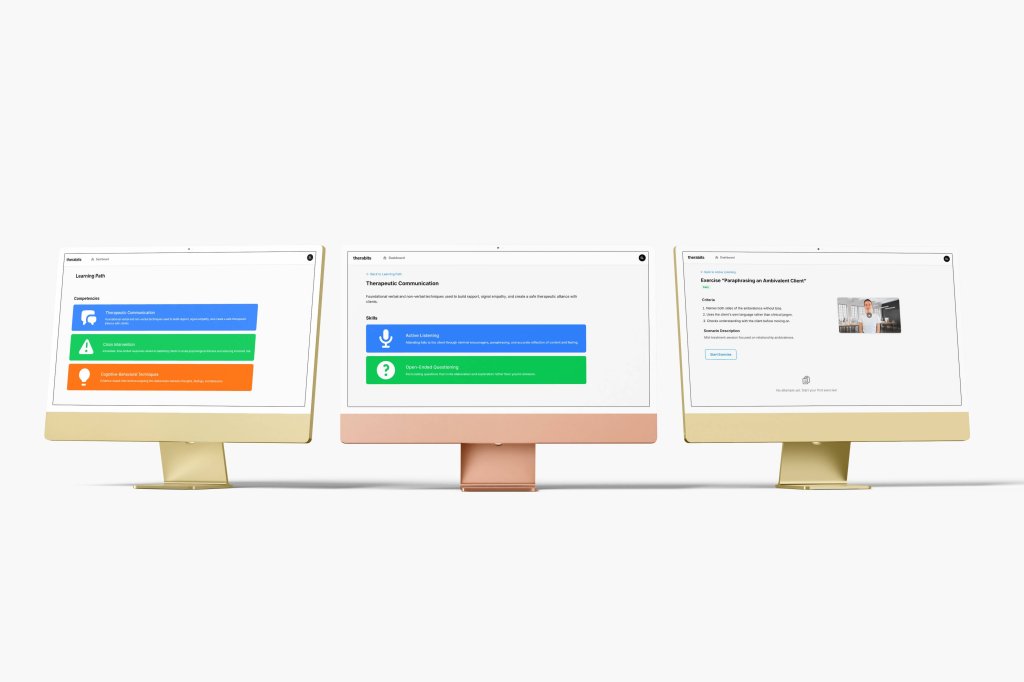
Therabits serves 3 distinct user groups.
The first is authors: authors craft the prompts to be used for generating AI-avatars.
The second is supervisors: supervisors create the training content, configure learning paths, and evaluate student performance.
The third is students: psychology students / trainees work through the exercises as part of their training curriculum.
Worth noting:
The application is not a consumer product and is not designed for public or commercial use. It is an institutional experimental tool built to support a specific, accredited training programme.
Besides its training function, the project also carries a research dimension: the university is conducting a formal study to evaluate whether AI-generated simulation constitutes a pedagogically effective and clinically sound method of training psychology students. This web-based application is both the instrument of that study and, to some extent, its subject.